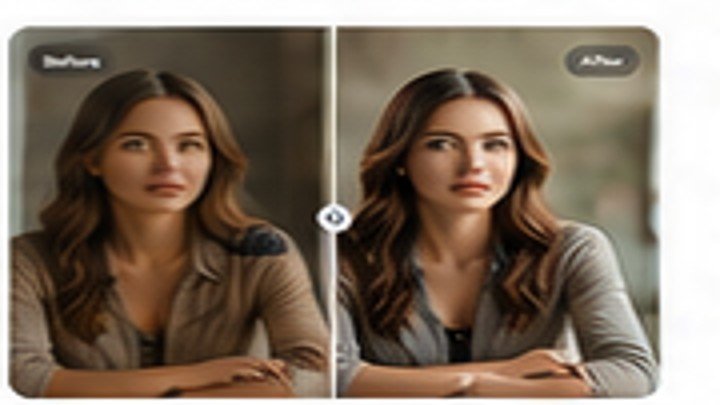
How to Create a Professional Profile Picture
Turn a regular portrait into a polished profile image by improving the crop, background, lighting, skin detail, and resolution. Use the result for LinkedIn, social media, portfolios, and…
Remove backgrounds, enhance image quality, erase unwanted objects, upscale photos, and create polished product images online—without installing software.
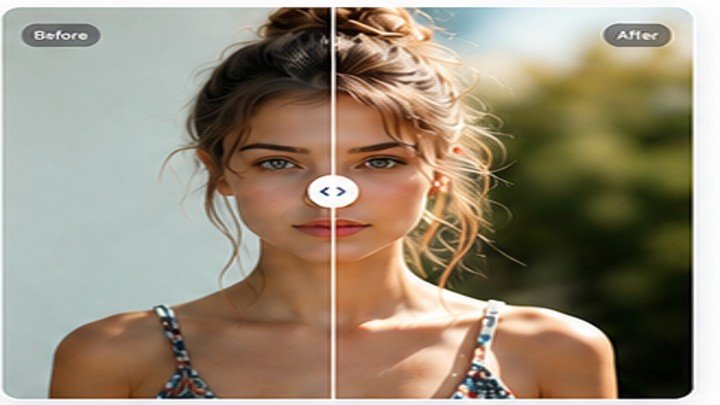 BeforeAfter
Try specialized AI tools for portraits, products, old photos, social media, and everyday images.
Create a transparent or clean product background.
Try free →Improve clarity, lighting, color, and sharpness.
Try free →Increase resolution while preserving detail.
Try free →Erase people, text, clutter, and distractions.
Try free →Repair and revive old or damaged photos.
Try free →Create cleaner ecommerce and marketplace images.
Try free →Show visitors the kinds of transformations they can create before they upload a photo.
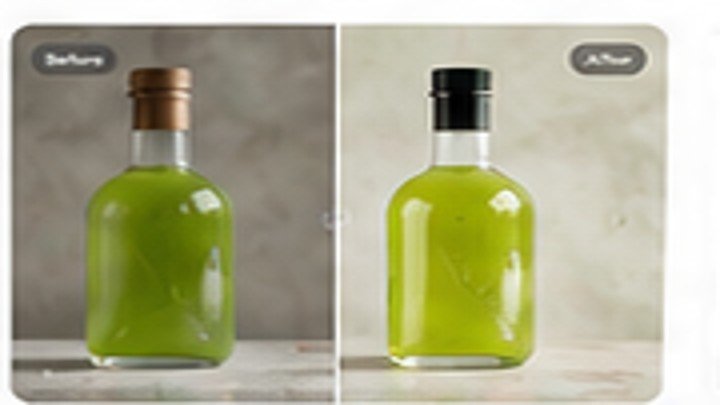
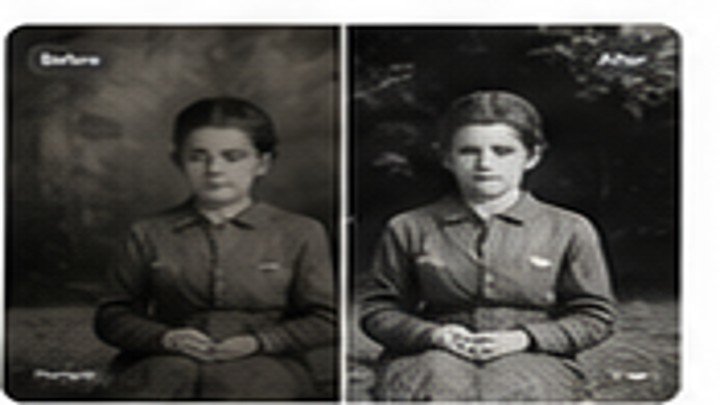
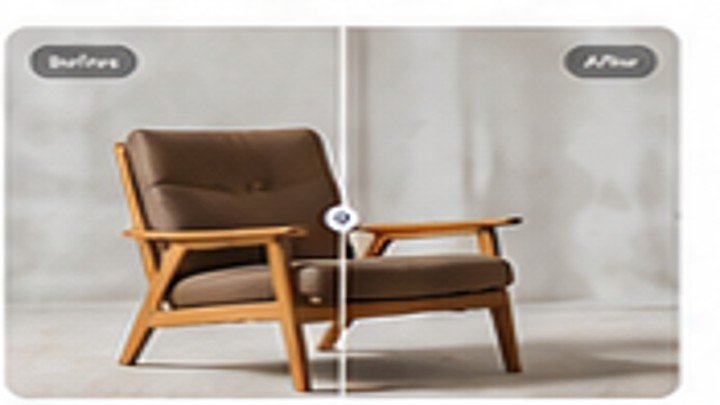
Choose a JPG, PNG, or WebP image from your device.
Choose the improvement you want the AI to make.
Preview your edited image and save it in high quality.
The editor remains free. The store can offer premium presets, background packs, templates, and creator resources.
SEO-focused tutorials bring search traffic while helping visitors use every tool.
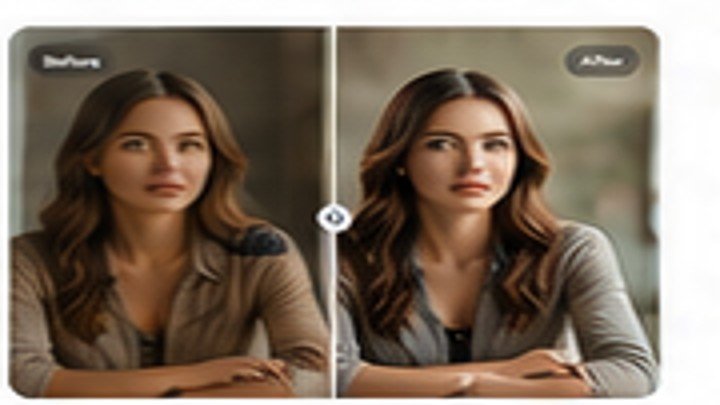
Turn a regular portrait into a polished profile image by improving the crop, background, lighting, skin detail, and resolution. Use the result for LinkedIn, social media, portfolios, and…

Understand when to choose JPG for photographs, PNG for transparency, and WebP for faster websites. The guide includes quality, file-size, browser, ecommerce, and social-media considerations.
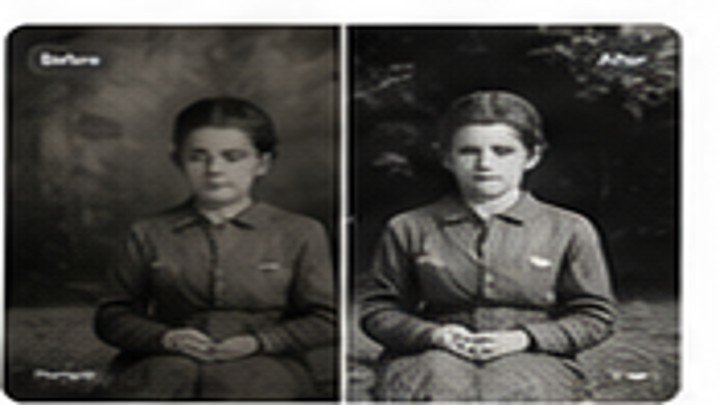
Scan old photographs at the right resolution, reduce scratches and fading, improve facial detail, and preserve the original look. This guide also covers safe archiving and backup practices.
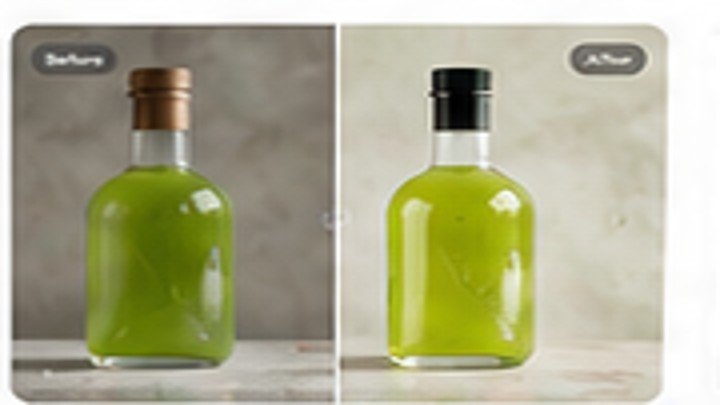
Create clean product images with simple lighting, a phone camera, and AI editing. Learn how to prepare the product, remove the background, add a realistic shadow, and export…

Use clear, consistent product photos without slowing down your store. This guide explains image dimensions, aspect ratios, compression, file formats, white backgrounds, and useful export settings for ecommerce.
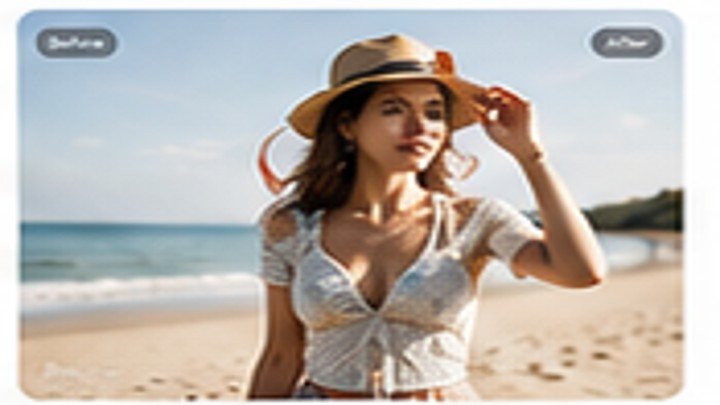
Remove people, signs, cables, text, and small distractions while rebuilding the missing background. This practical guide explains how to select an object cleanly and get a realistic result.
Yes. The website is designed around free photo-editing tools, with optional limits you control from WordPress Admin.
No. API keys, endpoints, routing, and limits are available only to WordPress administrators.
JPG, PNG, and WebP are supported by the upload interface.