July 21, 2026
How to Create Professional Product Photos at Home
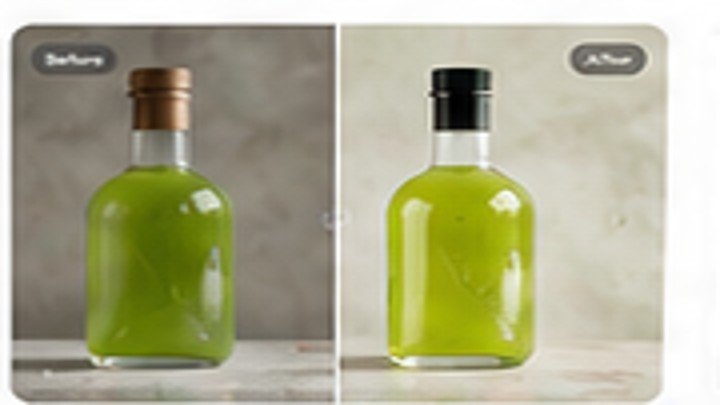
Create clean product images with simple lighting, a phone camera, and AI editing. Learn how to prepare the product, remove the background, add a realistic shadow, and export images for a store listing.
Start with the original image
Use the highest-quality version available and keep an untouched copy. Good input quality gives the editor more useful detail to work with.
Choose the correct editing tool
Select one clear task at a time. Enhance quality before enlarging an image, and remove the background before placing a product into a new scene.
Review the result carefully
Zoom in around hair, hands, product edges, text, and detailed textures. Download only when the result looks clean at full size.