July 21, 2026
How to Make a Blurry Photo Clear Online
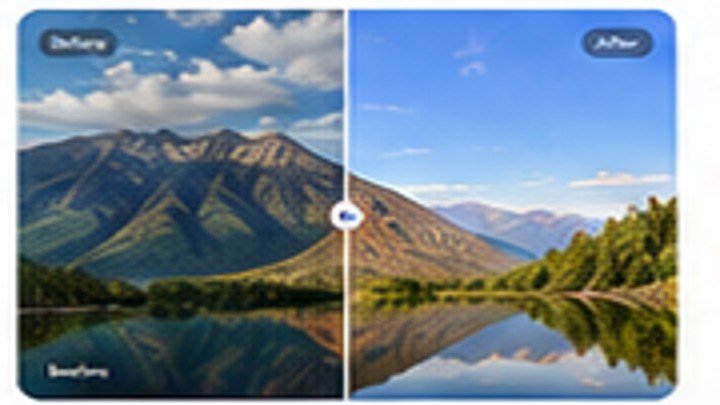
A blurry image may come from camera movement, low light, compression, or low resolution. Learn which problems can be improved, when sharpening helps, and when an AI image upscaler is the better option.
Start with the original image
Use the highest-quality version available and keep an untouched copy. Good input quality gives the editor more useful detail to work with.
Choose the correct editing tool
Select one clear task at a time. Enhance quality before enlarging an image, and remove the background before placing a product into a new scene.
Review the result carefully
Zoom in around hair, hands, product edges, text, and detailed textures. Download only when the result looks clean at full size.